

Every Chemical. The Right SDS.One Clear Review Trail.
Hazard communication breaks down between the shelf and the binder. X3 SDS connects each product to where it is used, the supplier's current safety data sheet, the label on the container and the person who reviews it when something changes.
- Chemical Inventory
- Supplier SDS
- Revisions
- Labels
- Work Areas
- Change Review
- 1910.1200(e)Written hazard communication program
- 1910.1200(f)Labels on shipped and workplace containers
- 1910.1200(g)Safety data sheets readily accessible
- 1910.1200(h)Employee information and training
- INVENTORYWash station, Line 2, neutral cleaner
- REVISIONSupplier revision needs confirmation
- LABELSecondary container label check
- NEWNew product routed for review before use
- 1910.106Flammable liquids
- SDSSixteen-section format
The Binder Says One Thing. The Shelf Says Another.
Purchasing swapped suppliers. Maintenance brought in a new solvent. The binder still holds a sheet from three revisions ago and the spray bottle on Line 2 has no label at all. Nobody did anything wrong. Nothing connected the product to its paperwork.
The right document only helps when it matches the product in someone's hand.

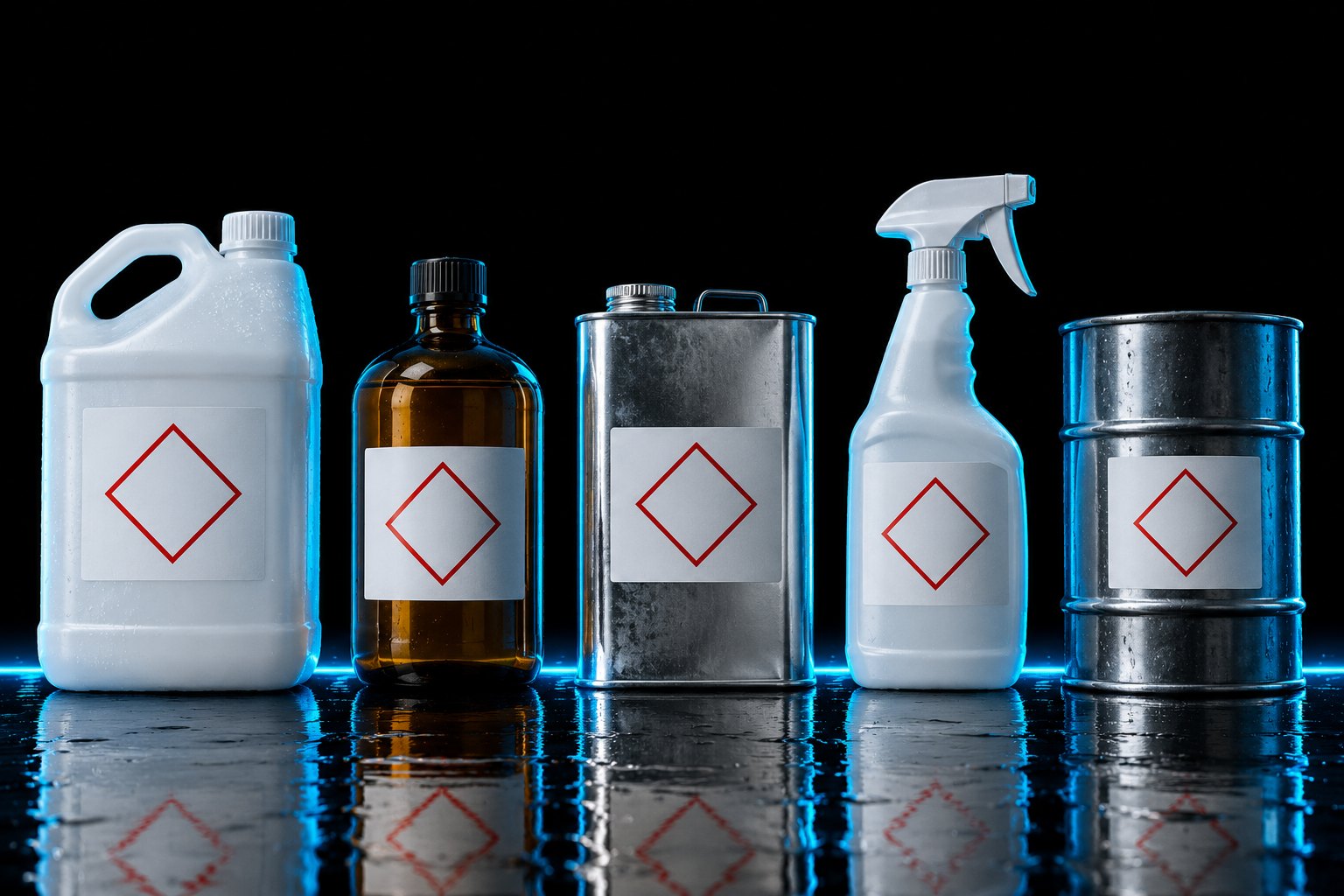
One Product In. A Reviewable Chemical Record Out.
X3 SDS starts with the question the floor asks every day: what is this, where is it used and is the sheet current?
Product identity
Name, supplier and the reference your site uses to find it.
Work area
Where it is stored, where it is used and who works with it.
Source document
The supplier SDS, its revision date and when it was last confirmed.
Label
Whether the container in the field is labeled as the program requires.
Reviewer
One owner for the record and the next review date.
Change
A new product, supplier or use area reopens the record for review.
Stop hunting through the binder. Start with the product in front of you.
What Is Used, Where It Lives and Who Reviews It.
A sample register, the way X3 SDS shows it: which records are current, which need a closer look and which are waiting on a supplier.

- Neutral surface cleaner, Wash Station Line 2: supplier SDS revision not confirmed
- Parts-cleaning solution, Maintenance Bench: waiting on the supplier document
- Secondary container at Line 2: label check due (29 CFR 1910.1200(f)(6))
Sample register. No real chemical data or SDS files are shown. The supplier's document is the authority for its content.
8 Working Screens in X3 SDS
- 01OverviewSheets that are out of date, labels that are missing and the HazCom deadline ahead.
- 02Chemical InventoryEvery product by work area with its quantity, its sheet and its status.
- 03Scan-to-Safety CardWhat a worker sees after scanning a container: hazards, PPE, first aid and spill steps.
- 04Label MakerBuild a workplace container label with the right pictograms, signal word and statements.
- 05New Chemical GateScreen a new product before it is bought: ingredients, restricted lists and who approves.
- 06Storage CompatibilityCheck each store room for products that must be kept apart, and why.
- 07Tier II ThresholdsQuantity on site against the reporting threshold, with a what-if for the next order.
- 08HazCom 2024 CountdownReadiness for the updated Hazard Communication rule, product by product.
Inventory. Source. Field. Change.
Four moves that keep the chemical, its paperwork and the people who handle it connected.
- 01
Inventory the product
Record the name, the supplier and the work area.
- 02
Confirm the source
Tie the record to the supplier's current SDS and its revision.
- 03
Check the field
Confirm access to the sheet and the label on the container.
- 04
Route the change
A substitution, a new supplier or a new use area goes to its reviewer.
No green check without context. Question, source, owner and next review together.

One Safety Loop. X3 SDS Owns the “Find” Step.
Twelve products, six steps, one job each. X3 SDS answers one question for your site: where can someone get hurt? Use it on its own, or add the product on either side of it when that job matters.
- 01
Know
What does OSHA expect of this site?X3 OSHA - 02
Find
Where can someone get hurt?X3 HazardsX3 InspectionsX3 ExposureX3 SDS - 03
Control
What stands between the hazard and the worker?X3 Critical ControlsX3 PPEX3 Equipment - 04
Prepare
Are people ready for the work and the worst day?X3 EducationX3 Emergency - 05
Learn
What is the last event teaching us?X3 Incidents - 06
Command
What needs a leader today?X3 Sentinel
X3 Keeps the Record. Your Site Owns the Chemical.
A chemical record is only true if four things happen on site.
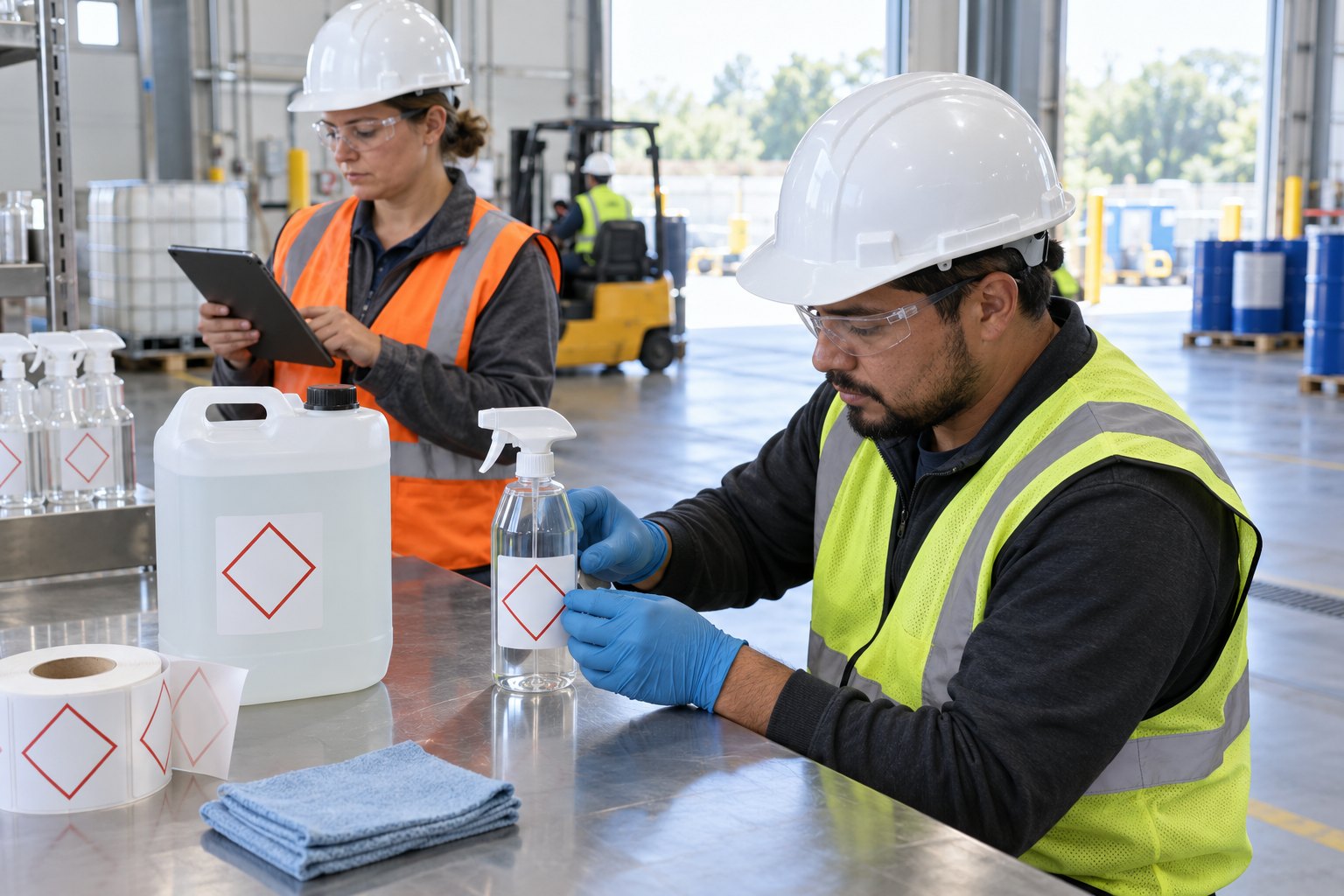
Tell X3 what is on the shelf
New products get added before they are used.
Get the supplier's document
The supplier SDS is the authority. Your reviewer confirms it.
Label the container
Someone checks the label in the field.
Review the hazards
A qualified person decides the controls, training and response.

Anyone Can Find the Sheet. And It Is the Right One.
A chemical question at a site that runs X3 SDS has one answer, and it matches the container.
Know earlier.
See the new product before it reaches the floor unreviewed.
Keep it current.
Every record has a reviewer and a date.
Prove it.
Show the product, the source, the label and the review.
Walk the Whole Product Today. Bring Your Site in Next.
Create your account, choose X3 SDS or all twelve products, and run it on your own sites with your records saved. One sign-in opens every product you pay for.
$99 a month covers your first 50 employees. Then $2 a month for each employee after that. Two months free when you pay for a year. Cancel any time.
- A chemical inventory review with supplier/revision references, label access, and change follow-up.
- Works on its own. No other X3 product required
- Your sites, people and records, saved to your account
- Ask X3 for the regulation behind any question
X3 SDS and the other eleven, one sign-in, one bill. $399 a month covers your first 50 employees, then $8 a month for each employee after that.
- Every product from knowing what applies to commanding it all
- Work flows from one product to the next
- X3 Sentinel shows leaders what needs attention
- Costs the same as four products bought one at a time
$169 a month for X3 SDS
$679 a month for all 12 products
Prices in US dollars. Subscriptions renew each month or year until cancelled.
Questions Safety Leads Ask About X3 SDS.
Have one that is not here? Ask X3, or write to us and a person will answer.

Does X3 SDS supply the safety data sheets?
Does it classify chemical hazards?
What happens when a product or supplier changes?
Do I have to buy the whole family?
What can I use today?
How does pricing work?
You Already Know What Is on the Shelf. Now Know the Paperwork Matches.
Open the sample dashboard and follow one product from the shelf to its source document.